Advertisement
Click to download now, finish the installation quickly, and directly unlock the all-round experience
Advertisement
Screenshots
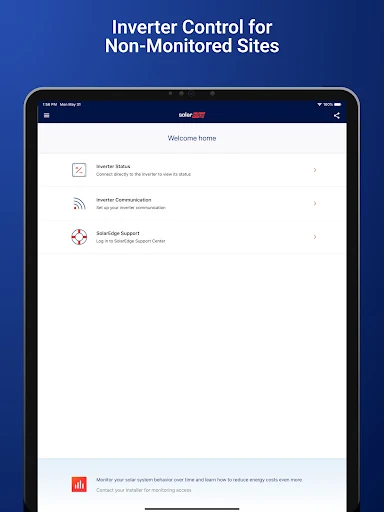
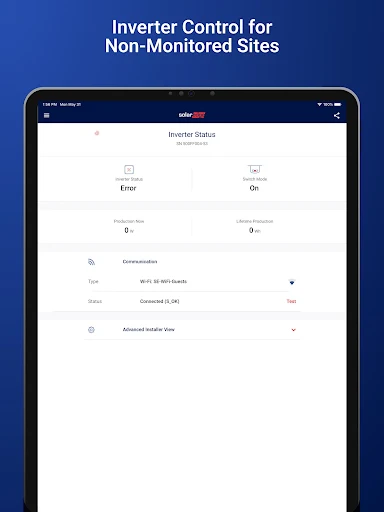
Click to download now, finish the installation quickly, and directly unlock the all-round experience
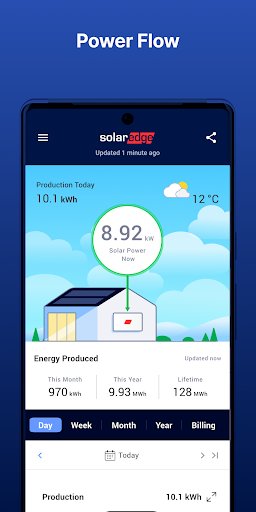
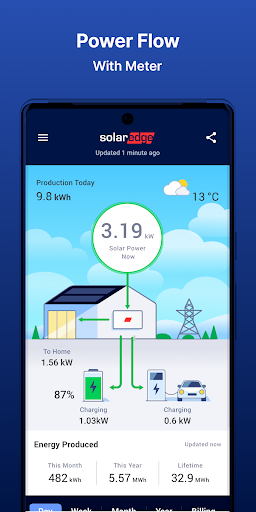
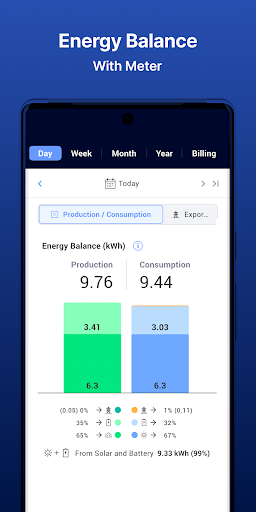
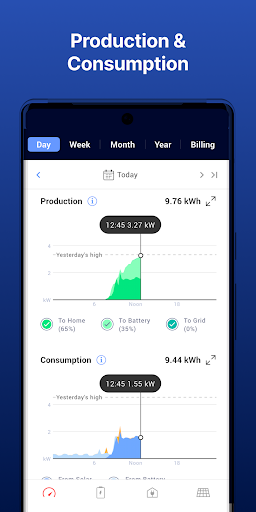
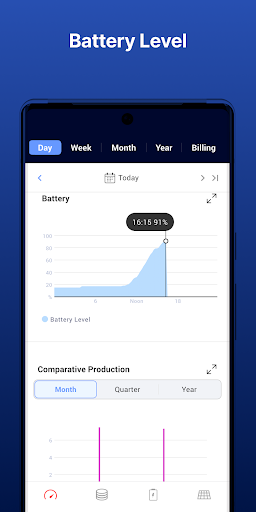
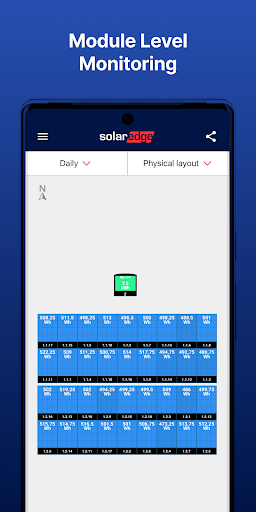
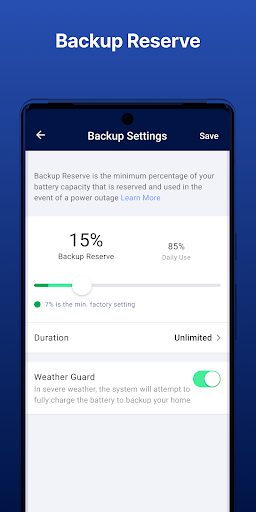
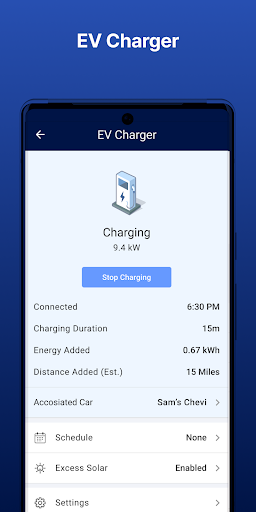
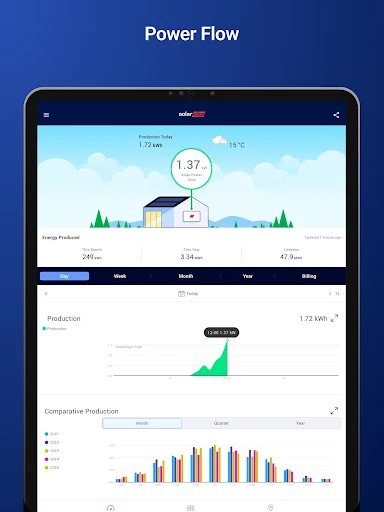
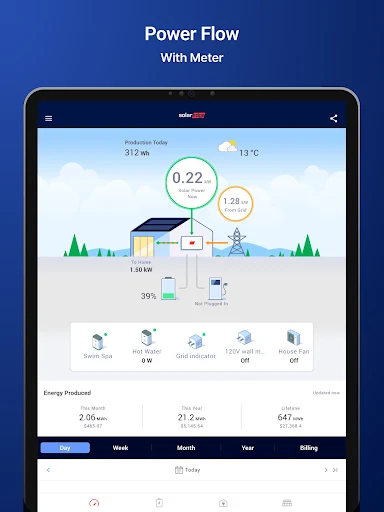
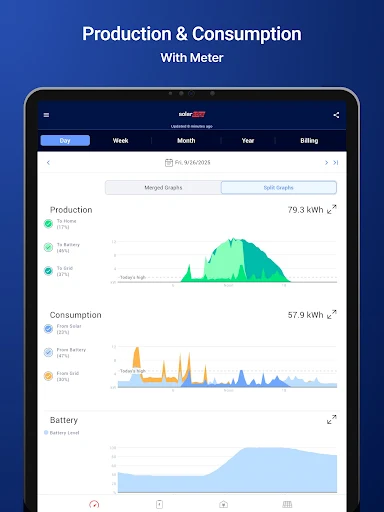
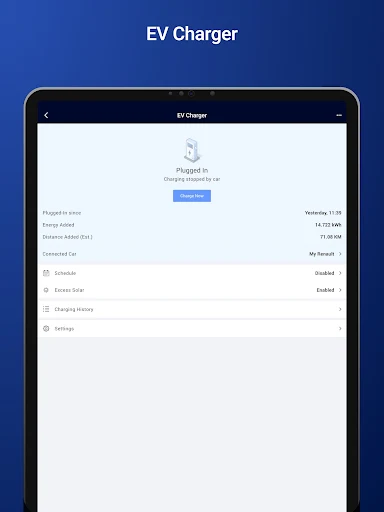
mySolarEdge is a companion app for people with SolarEdge solar equipment. It can show electricity production and use, provide information about energy efficiency, and let you manage compatible smart-home devices and SolarEdge EV charging. It is most useful if your home already has the relevant SolarEdge equipment and your installer has enabled access.
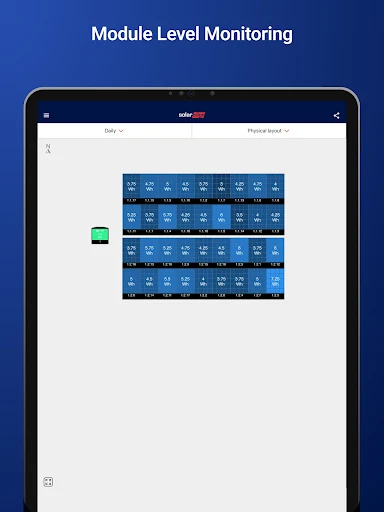
The app offers real-time energy monitoring and inverter status information. For supported SetApp-enabled inverters, it also includes troubleshooting guidance and tools for setting inverter communication and network details. Some monitoring and control features depend on your site setup: energy-use monitoring requires a consumption meter, and monitoring access may need to be arranged through your installer. Wear OS support is also listed for monitoring and control.
This is not a general-purpose energy monitor: what appears in the app depends on the SolarEdge system and accessories installed at your home. Check which devices and features your installer has configured before expecting to see household consumption or control charging and smart-home equipment. The available information does not specify whether the app contains ads, offers in-app purchases, or requests particular phone permissions, so those details are worth checking in Google Play and on your device.
SolarEdge Technologies publishes mySolarEdge in the Tools category. It has a 3.9-star rating from about 194,000 reviews and more than 1 million installs. Those figures suggest broad use, but they do not guarantee that every feature will work with your particular installation; compatibility and installer-granted access are the key things to confirm.