Save copies of app installers
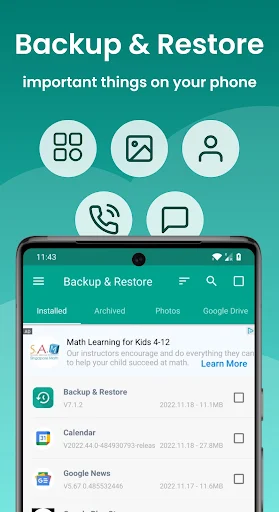
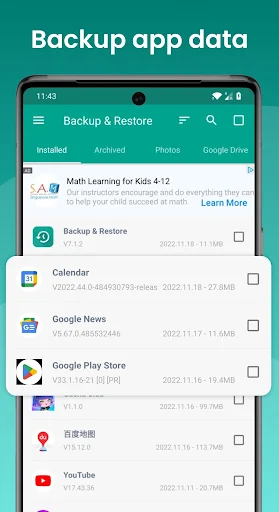
Backup and Restore - APP is a utility for saving APK files—the installer files for Android apps—and restoring them later. It can suit people who want to keep installers for apps they do not use often, or retain an earlier app version rather than replace it during an update. It does not back up an app’s personal data or settings, so restoring an APK will not bring back saved progress or preferences.
Move and manage backups
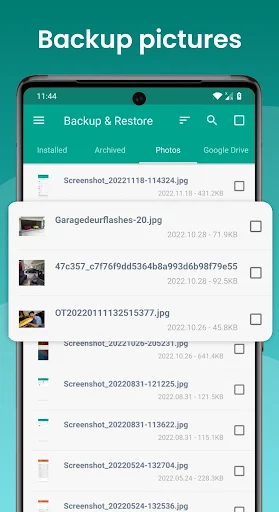
The app can handle batches of APK files and lets you manage stored backups, including sorting and checking details such as their size and version. It also offers ways to transfer APKs between Android devices and to move files through supported storage or cloud services. Restoring is limited to files that were backed up beforehand. Automatic backups are for APK files, not personal data; the supplied information says automatic cloud backup is not available.
Know what a backup protects
An APK copy is useful as an installer, but it is not a complete phone backup. If you reset your device, backups kept only on its internal storage may be lost, so keep a separate copy somewhere else if you need to preserve them. The app’s advertised restore function should not be taken to mean that it can recover an app’s account, documents, settings or game progress.
Popularity and practical limits
Developed by Trustlook Security Lab, this Tools app has more than 10 million installs and a rating of about 3.1 from roughly 241,000 reviews. That large review count gives you plenty of user feedback to consult, while the rating suggests experiences are mixed. The supplied details do not establish how frequently the app shows ads, whether it offers paid features, or which phone permissions it requests. Check those points on the app’s store page before deciding what access you are comfortable granting.